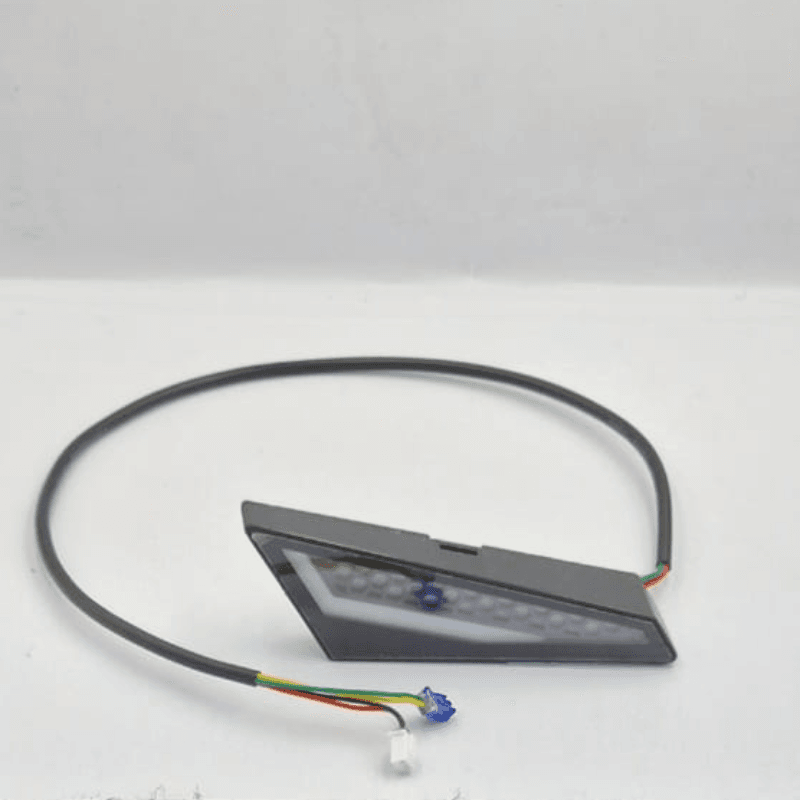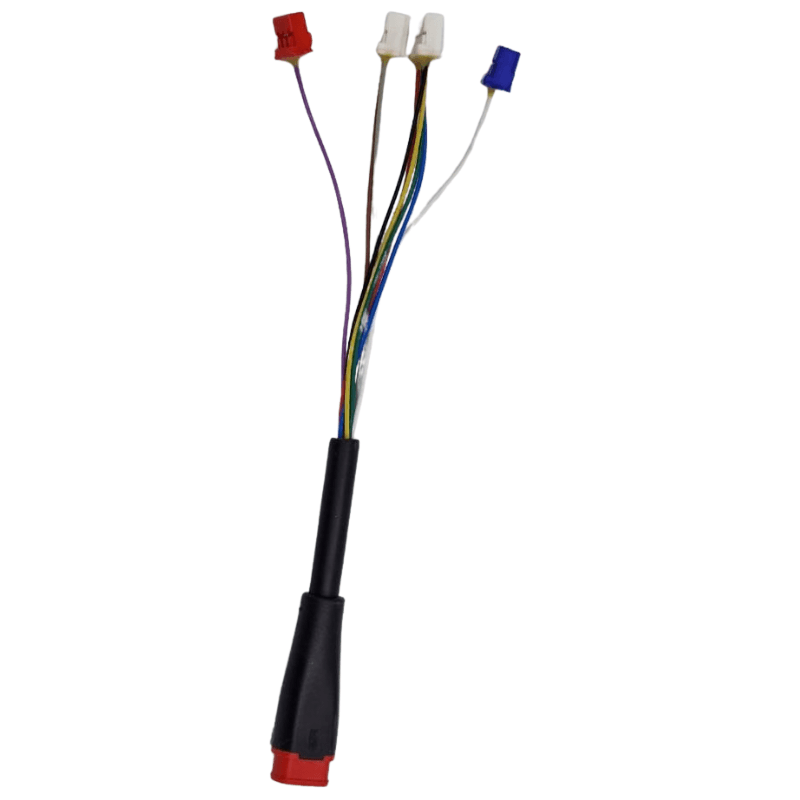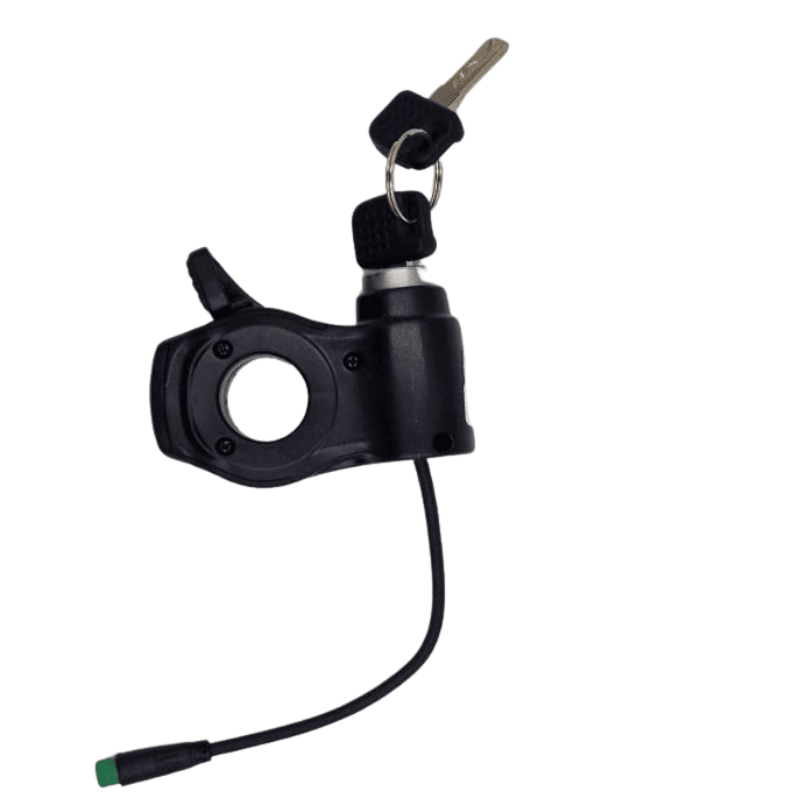


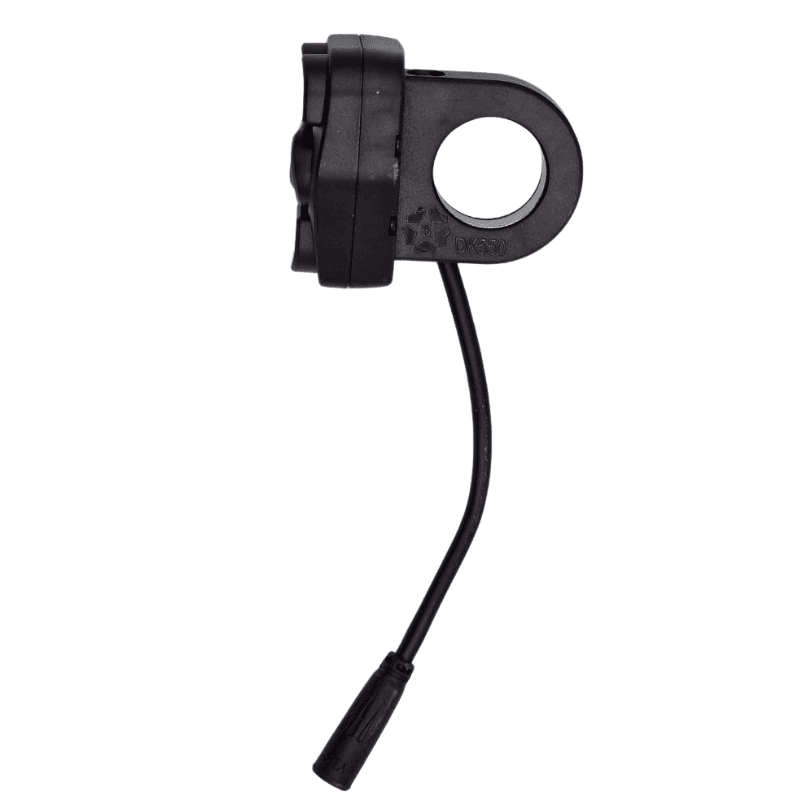
Switch / button Quikirin T3

200.00 Dhs

Delivery

  • Store pickup at Digimart

Pick up today

Free

  • Home delivery (2-3 Days)

Our courier will deliver to the specified address

Starting from 20 Dhs

Ajoutez 500.00 Dhs au panier pour profiter de la livraison gratuite !

Payment

Cash on delivery
Bank wire
By card

Description

Description of the switch / control button for Quikirin T3

The Quikirin T3 electric scooter has a control panel with several integrated buttons on the handlebar or main display, allowing you to control the essential functions of the scooter.


Button functions (switch / controllers)

  1. Power button (Power On/Off)

    • Press for 3 seconds to turn the scooter on or off.

    • Press once to turn the headlights on/off, the spotlights and the rear lights.

    • Press twice to switch between trip mileage and total displays.

    • In brake mode, press 6 times to activate/deactivate the speed limiter.
      ➤ This is the main power and lighting management button.

  2. RGB button / Ambient lights

    • Press for 3 seconds to turn on the ambient light.

    • Press again to cycle through several lighting effects (4 modes).
      ➤ Allows you to manage the lighting aesthetics and ambient lighting of the handlebar or scooter.

  3. “M” button (Mode / speed)

    • Press once to change the speed mode (for example 1 → 2 → 3).

    • Press 3 times to change the distance unit (km ↔ miles).

    • Press 4 times to activate/deactivate the cruise control (cruise control).

    • Press 5 times to switch between start from stop and non-zero start.
      ➤ This is a multifunction switch that allows you to configure several riding settings.

  4. Left & right turn signal buttons

    • Press the corresponding button once to activate / deactivate the left or right turn signal.
      ➤ They are used to signal a change of direction.


Summary of the Quikirin T3 switch / buttons

FunctionDescription
Power buttonTurns the scooter on/off, manages the front/rear lighting and certain display functions.
RGB buttonControls the ambient lighting and its effects.
⚙️ M buttonChanges speed mode / riding settings.
⬅️➡️ Turn signalsActivates direction signals.

Specification

Overview

Customer Reviews

Reviews

There are no reviews yet.

Only logged in customers who have purchased this product may leave a review.